


Grand Theft Auto VI is getting closer to its scheduled launch on 19 November 2026, and players will soon be able to download the game before release. Rockstar Games has confirmed that digital pre-loading begins on 10 November, although the start time differs between PlayStation 5 and Xbox Series X|S.
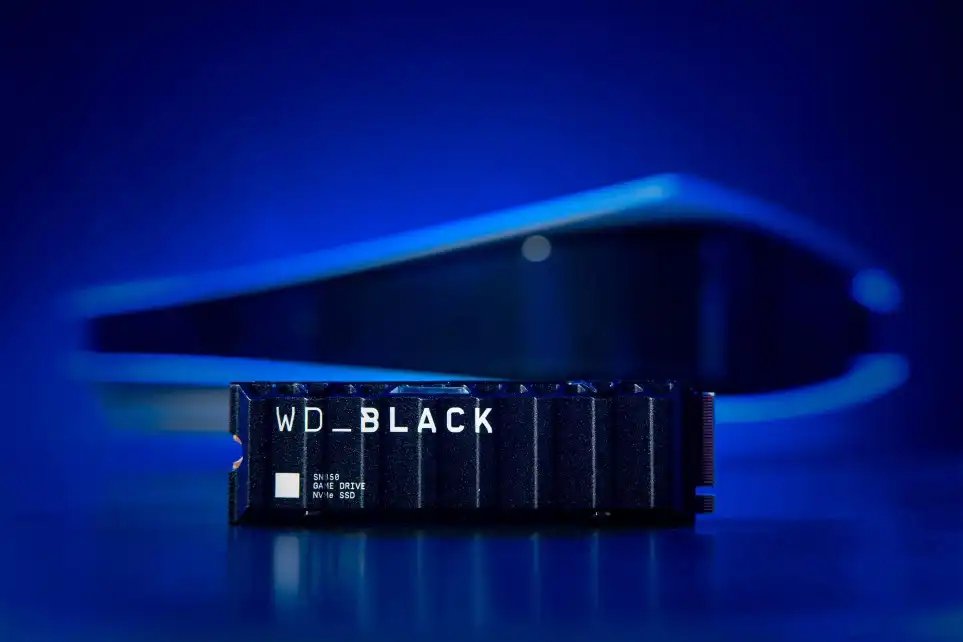
There is another important detail to consider before downloading: Rockstar says GTA VI will require up to 212 GB of available storage, depending on your device. That is a substantial amount of space, so checking your console in advance is a sensible way to avoid unnecessary problems.
In this guide, I explain when the pre-load begins, how to prepare your PS5 or Xbox, what to do if the download does not start and whether completing the download means you can immediately play. Here is what players need to know before launch.
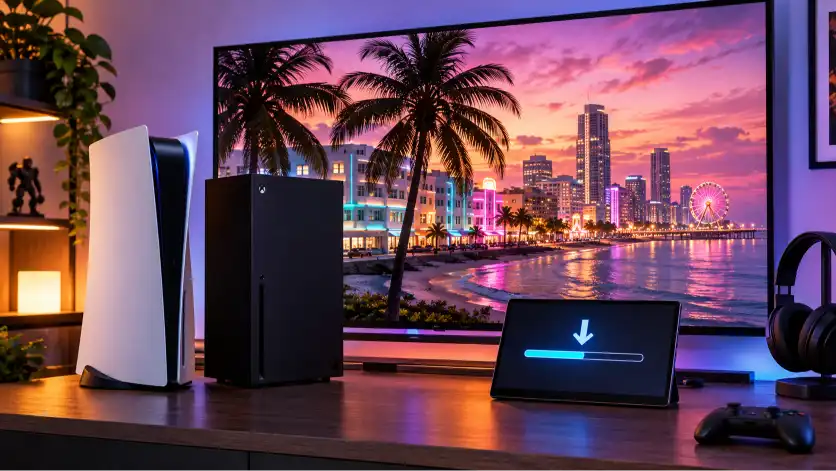
When does the GTA 6 pre-load start?
Rockstar has confirmed that digital pre-loading begins on Tuesday, 10 November 2026. However, the schedule is not identical across both platforms.
PS5 players will follow their local time zone, while Xbox Series X|S players will follow a single global time announced in GMT. This distinction matters if you are comparing information from players in different countries.
PS5 pre-load start time
On PlayStation 5, the digital pre-load begins at 00:00 (midnight) local time on 10 November 2026.
This means the download becomes available according to the local time zone associated with the player’s location. Players in different parts of the world will therefore reach midnight at different moments.
For players in mainland Portugal, midnight GMT is also midnight local time on 10 November. The same applies to the Madeira time zone; the Azores are one hour behind mainland Portugal.
If you have digitally pre-ordered GTA VI, check that the purchase appears in the correct PlayStation account. You can then review the game’s countdown and automatic download settings in your Game Library.
Xbox Series X|S pre-load start time
Xbox has a different schedule. Rockstar confirms that digital pre-loading begins globally at 00:00 GMT on 10 November 2026.
Unlike the PlayStation schedule, this is not midnight in every player’s local time zone. The global GMT time remains the reference point, so players outside the GMT time zone should convert it to their local time.
For example, mainland Portugal is on GMT in November, meaning the Xbox pre-load is scheduled to begin at midnight local time there too.
Before the scheduled start, check that your digital purchase is associated with the correct Microsoft account, that automatic updates are enabled and that your console has enough free storage.
| Platform | Confirmed pre-load start | Time rule |
|---|---|---|
| PlayStation 5 | 10 November 2026 | Midnight local time |
| Xbox Series X|S | 10 November 2026 | 00:00 GMT globally |
These are Rockstar’s announced digital pre-load times. Check the official Rockstar pre-load FAQ for any subsequent changes.
How big is GTA 6? Download size and storage requirements
One of the most important details in Rockstar’s announcement is the amount of storage players should prepare.
According to Rockstar’s official installation requirements, GTA VI will require up to 212 GB of available space, depending on your device. This is the wording players should use when discussing the game’s storage requirements.
It is important not to interpret this as a guaranteed identical download size on every console. Rockstar has not provided a confirmed, separate figure for every PS5 and Xbox configuration in the cited information.
There is also a distinction between the space required to install a game and the size of the files transferred during a download. These figures are not necessarily interchangeable.
My recommendation is straightforward: check your console’s available storage before 10 November and make enough room for the stated requirement. If your console has less than 212 GB free, consider removing games or applications you no longer use, or moving suitable content to another storage device.
Do not rely on unverified screenshots or social media claims about platform-specific file sizes. Use Rockstar’s official requirements as your reference until more precise figures are confirmed.
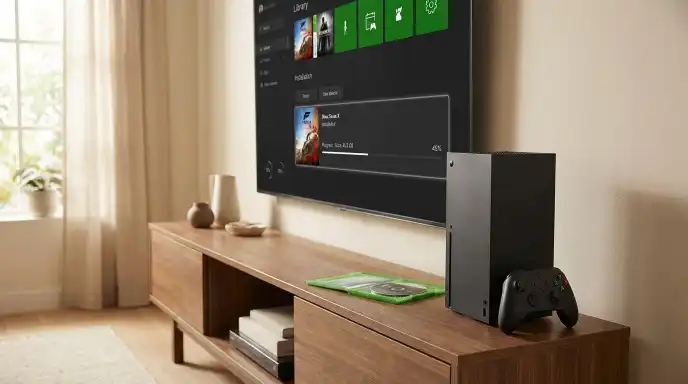
How to pre-load GTA 6 on PS5
PlayStation 5 owners can prepare their console before the pre-load opens. Rockstar and PlayStation provide instructions for checking a pre-order, enabling automatic downloads and confirming that the download has started.
Follow these steps.
1. Confirm your digital pre-order
Sign in to the PlayStation account used to purchase GTA VI. Check your order history or PlayStation Store library to make sure the pre-order was successful.
2. Open your Game Library
From the PS5 games home screen, select Game Library, then find your pre-ordered copy of GTA VI.
3. Check the pre-order countdown
Select GTA VI. A countdown timer should appear. Select the timer to view the included content and its automatic download settings.
4. Enable automatic downloads
Make sure the checkbox next to GTA VI is selected. This allows the game to begin downloading automatically when the pre-load becomes available.
5. Keep your PS5 connected to the internet
If you want the console to download the game while in Rest Mode, make sure the relevant setting is enabled.
Go to:
Settings → System → Power Saving → Features Available in Rest Mode → Stay Connected to the Internet.
6. Check your available storage
Open:
Settings → Storage
Make sure there is sufficient free space for the installation. Rockstar’s stated requirement is up to 212 GB, depending on the device.
7. Check for system software updates
Go to:
Settings → System → System Software → System Software Update and Settings.
Review the automatic update options and make sure your console is up to date.
8. Confirm the download has started
When pre-loading becomes available, return to your Game Library and check GTA VI’s countdown and download status. PlayStation also provides an option to start the pre-load manually from the game’s page when available.
If you share your PS5 with other users, PlayStation also recommends checking Console Sharing and Offline Play settings so the relevant accounts can access the game.
These steps follow the official PlayStation GTA VI support guide and PlayStation pre-order download instructions.
How to pre-load GTA 6 on Xbox Series X|S
Xbox Series X|S owners should also prepare their consoles before the global pre-load begins.
Rockstar’s instructions specify two important requirements for automatic pre-loading: automatic updates must be enabled, and the console must be powered on or set to Sleep mode.
Here is what to check.
1. Confirm your digital pre-order
Make sure GTA VI has been purchased using the Microsoft account you intend to use on your Xbox console.
2. Check automatic update settings
Rockstar advises Xbox players to enable automatic updates. Consult the official Xbox system update guide to review the relevant settings.
3. Check your console’s power mode
For automatic pre-loading, Rockstar says the console must be powered on or in Sleep mode.
You can consult Microsoft’s Xbox power modes guide to understand the available options and choose the appropriate configuration.
4. Make enough storage available
Rockstar states that the game requires up to 212 GB of available space, depending on the device. Check your console’s storage before the download begins.
5. Check your internet connection
Your Xbox needs an internet connection to download the game. Make sure the console is connected and that your network is working properly.
6. Check your download queue
When the pre-load becomes available, check your console’s download queue and the game’s installation status. If the download has not started automatically, consult the official Xbox pre-order instructions for the available manual options.
The Xbox pre-order process and console settings can be reviewed through Xbox Support.
I recommend checking these settings before the scheduled start rather than waiting until the last moment.
How to prepare your console before downloading GTA 6
A little preparation can make the pre-load process easier. You do not need to make complicated changes to your console, but it is worth checking a few essentials.
Use this checklist before 10 November:
- Free storage: Make room for up to 212 GB, depending on your device.
- Internet connection: Confirm that your console is connected to the internet.
- Correct account: Check that you are using the account associated with your GTA VI purchase.
- Successful pre-order: Make sure the game appears in your account or library.
- Automatic downloads or updates: Check the relevant settings for your platform.
- Power settings: For PS5, check Rest Mode and internet connectivity. For Xbox, check that the console is powered on or in Sleep mode.
- System software: Check for available console updates.
- Download queue: Know where to check the installation status when pre-loading opens.
One final recommendation: avoid deleting games or personal data without checking what you are removing. If you need additional room, consider moving compatible content to another storage device.
The goal is to have your console ready before the download becomes available, not to rush through settings after the scheduled start.
GTA 6 pre-load not working? Possible solutions
Even after preparing your console, you might encounter a problem. The download may not appear immediately, it may remain in the queue or it may stop progressing.
Before assuming there is a widespread issue, work through these checks.
1. Confirm your purchase
Make sure the digital pre-order was completed successfully. On PlayStation, check the account’s order history. On Xbox, confirm that the purchase is associated with the correct Microsoft account.
2. Check your available storage
Insufficient storage can prevent an installation from proceeding. Rockstar’s stated requirement is up to 212 GB, depending on the device.
3. Check your internet connection
Confirm that your console is online. If other downloads are also failing, the issue may be related to your connection rather than GTA VI.
4. Restart your console
A normal restart can help resolve temporary system problems. After restarting, check the game’s download status again.
5. Review automatic download settings
On PS5, check the pre-order’s automatic download option and Rest Mode internet setting. On Xbox, check that automatic updates are enabled and the console is in an appropriate power state.
6. Check the download queue
If GTA VI appears in the queue but is not progressing, inspect its status. Avoid repeatedly cancelling the installation without first checking the platform’s official troubleshooting guidance.
7. Pause and resume the PS5 download if necessary
PlayStation’s GTA VI support instructions specifically recommend opening Downloads/Uploads, selecting the GTA VI download, choosing Pause and then Resume if the download is not progressing.
If that does not work, PlayStation also provides further steps, including cancelling and deleting the stalled download before returning to the Game Library and enabling automatic downloads again.
8. Consult official support
For PS5, use PlayStation’s GTA VI troubleshooting page. For Xbox, use the official Xbox game and app installation troubleshooting guide.
Do not download unofficial installation files or use third-party tools claiming to fix the pre-load. Stick to the official platform support channels.

Can you play GTA 6 as soon as the pre-load finishes?
No. Completing the pre-load does not mean that the game becomes playable immediately.
Pre-loading allows players to download the game files before the official release. It is designed to reduce the amount of downloading that needs to happen around launch, but it does not bring forward the release date.
Rockstar lists 19 November 2026 as the scheduled release date for GTA VI on PlayStation 5 and Xbox Series X|S.
The PS5 support page specifies a midnight local-time release, but players should not assume that the pre-load schedule and the launch unlock are the same thing on every platform and in every region.
In other words, downloading the game on 10 November does not grant early access. Players must wait until the game is officially available to play.
Check Rockstar’s official GTA VI website and your platform’s store for the latest release information.
What about physical GTA 6 copies?
There is an important detail for players who prefer buying a physical product.
Rockstar’s official platform information confirms that the physical version of GTA VI is a code-in-box edition. The box contains a download code that can be redeemed to obtain the game digitally. It does not include a game disc.
Rockstar says physical versions are expected to become available for retailer shipping and collection from 12 November 2026. Availability and delivery timing may differ between retailers.
If you purchase this edition, follow the retailer’s instructions and redeem the code through the appropriate PlayStation or Microsoft platform.
Also check that the code is compatible with your platform account’s region. Rockstar warns that PlayStation code redemption is subject to regional restrictions.
For further details, consult Rockstar’s Platforms, Editions and Versions FAQ.
GTA 6 pre-load: Frequently asked questions
1. When does GTA 6 pre-load start on PS5?
The digital pre-load begins at midnight local time on 10 November 2026.
2. When does GTA 6 pre-load start on Xbox?
It begins globally at 00:00 GMT on 10 November 2026.
3. How much storage does GTA 6 require?
Rockstar states that the pre-load requires up to 212 GB of available space, depending on the device.
4. Is GTA 6’s download size exactly 212 GB?
No. The official wording is up to 212 GB of available space. It is not a confirmed identical download size for every console.
5. Can I pre-load GTA 6 without pre-ordering it?
Rockstar’s pre-load instructions refer to digital pre-orders and eligible physical download codes. Do not assume that a non-pre-order purchase will have access to the same early download window.
6. Can I play GTA 6 immediately after downloading it?
No. You must wait for the official release on 19 November 2026.
7. When does GTA 6 officially launch?
Rockstar lists 19 November 2026 as the release date for PS5 and Xbox Series X|S.
8. What should I do if my download does not start?
Check your purchase, account, storage, internet connection and automatic download settings. Then consult the official support instructions for your console.
9. Does GTA 6 have a physical disc version?
Rockstar’s listed physical edition is code-in-box. It contains a download code, not a disc.
10. Can I pre-load GTA 6 on PC?
Rockstar’s currently listed launch platforms are PlayStation 5 and Xbox Series X|S. Its official platform information does not list a PC version or PC pre-load. Do not rely on unofficial claims of PC availability. Rockstar Games Customer Support+3
Get ready for GTA 6 with Ace Play Gaming
The countdown to GTA VI is getting shorter, and preparing your console before launch is one of the simplest ways to avoid unnecessary last-minute problems.
If you want to explore more than installation instructions, take a look at my GTA 6: Everything We Know So Far About Rockstar’s Biggest Game guide, published on 9 November, and keep an eye out for my upcoming coverage of Vice City, Jason, Lucia and the real-world inspirations behind Leonida.
Want to stay informed about the latest gaming developments? Subscribe to The Gaming Brief, the free Ace Play Gaming newsletter, and receive gaming updates, discoveries and new articles straight to your inbox.